
Your tags are your agent’s ceiling

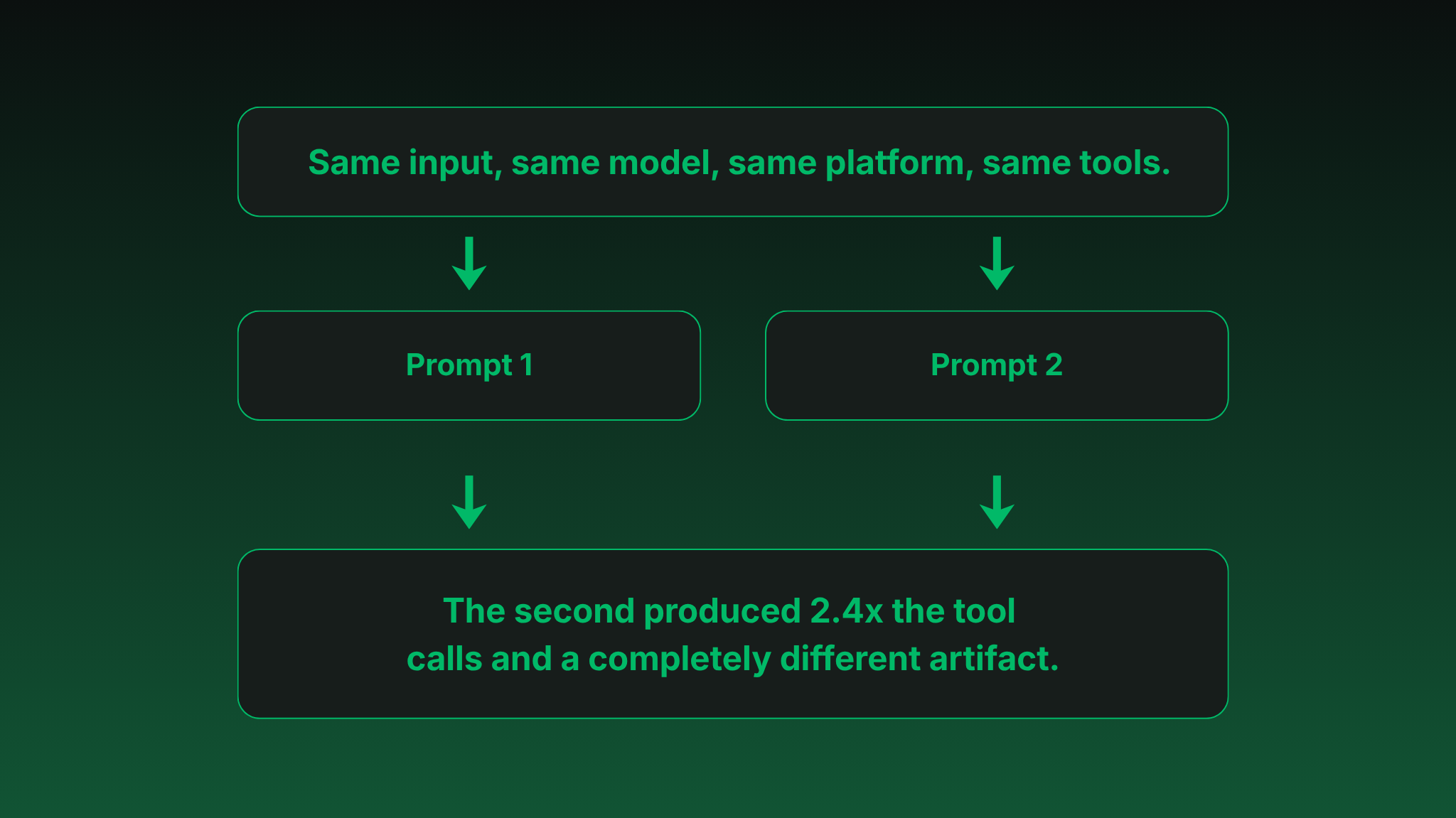
We ran the same dashboard request against two versions of an agent prompt; same anchor, same tools, same data, same model. One produced a dashboard that covered roughly a third of the system. The other produced a dashboard that mapped the actual architecture.
The difference wasn't the model or the tooling. This was all done in the Datadog Agent Builder platform using the Datadog MCP with Claude Sonnet. It came down to whether we'd told the agent to look around before it started building.
The setup
The request was simple: "create a dashboard for nobs-capacity-backend." This is a real service, with a frontend and a database alongside it, all sharing common tags like we'd build for our customers.
Prompt 1
Told the agent what kind of dashboard to build—logs, traces, metrics, golden signals, specific widget types. A pretty reasonable set of instructions. The agent ran 10 tool calls and produced a dashboard with 24 widgets, all focused on the backend service exactly as named.
Technically correct (I often say that's the best kind of correct, but not here) and practically useless if you're trying to understand a real incident. Real incidents don't respect service boundaries. This dashboard would tell you something was wrong, but not where or why.
Prompt 2
Included one new section. Before building anything, we told the agent to search for related infrastructure using tag patterns, wildcard searches, and upstream and downstream relationships. Map out the entire stack using the common tags before you decide what to display.
The second agent ran 24 tool calls. It found that nobs-capacity-backend was part of a nobs-capacity-* family with a shared application tag. It pulled in the frontend and the database. The resulting dashboard had 23 widgets, but it mapped three components in relationship to each other instead of one component in isolation—showing less data that was more relevant to the entire stack.
Same input, same model, same platform, same tools. The second produced 2.4x the tool calls and a completely different artifact.
Why this works
The naive read is that the second prompt was just “better.” It wasn’t. The second prompt exploited something the first one ignored: Datadog already knows how these resources relate, because somebody tagged them that way.
This is the part worth slowing down on. An AI agent reasoning over observability data needs an entry point. A service name works as that entry point—but the entry point alone doesn’t produce useful output. The agent also has to be told to traverse outward from it, and the traversal only works if the surrounding resources are tagged consistently enough to be discoverable.
Three things have to be true
The agent needs an anchor to reason from.
"Build me a dashboard" produces nothing useful because there's no entry point. "Build me a dashboard for service:backend" gives it somewhere to start.
The agent has to be told to traverse.
Without explicit instructions to look for related resources, it'll answer the question literally. Literal answers to observability questions are almost always wrong, because the thing you asked about is rarely the thing causing the problem.
The data has to support traversal.
If your frontend, backend, and database don't share tags, no amount of prompting saves you. The agent will faithfully report on whatever you pointed it at and miss everything around it.
Pull any one of those three out and the dashboard collapses back to the literal version of the request.
The part nobody wants to hear
If you’ve been letting tag hygiene slide because you’ll clean it up later—later just arrived.
The agent’s ability to find related infrastructure depends entirely on whether somebody made it findable. The wildcard search that pulled in the frontend and database only worked because all three resources were tagged with the same application prefix.
If the frontend had been tagged webapp, the backend nobs-capacity-backend, and the database prod-db-01—the second agent would’ve produced exactly the same dashboard as the first one. Not because the prompt was wrong. Because the data couldn’t be traversed.
This is the uncomfortable thing about putting agents on top of observability platforms. They don't reveal what's in your data, they reveal what's connected in your data. If nothing's connected, nothing's revealed, and the dashboard you get back will look confident and complete while quietly ignoring two-thirds of the system.
You can prompt-engineer your way around a lot of problems. You can’t prompt-engineer your way around inconsistent tagging.
What this means for you
If you're starting to put agents on top of Datadog, or thinking about it, the work you should be doing right now isn't picking a model or designing a tool interface. It's auditing your tags.
Specifically, look at whether resources that logically belong together share a tag an agent could discover with a single search. Application name, team, product, business unit, whatever makes sense as the "these things are part of the same system" identifier in your environment.
If that tag exists and is applied consistently, your agent has a graph to traverse. If it doesn't, your agent has a list of unrelated items and will produce output that reflects that.
It’s not glamorous work, but it’s load-bearing. And the weight it bears doesn’t just come from AI agents. If an agent can’t read your data, you can’t either.
The broader shape
This pattern isn’t unique to Datadog or to observability. Anywhere an agent reasons over a graph of related entities, the same three legs have to be in place: an entry point to start from, permission and instructions to traverse outward, and a data model that connects the things that belong together.
The interesting agent design work is rarely the prompt itself. It’s identifying which anchor fits which question—and trusting that the platform underneath has been organized well enough to make traversal possible.
When it has been, the agent feels almost intelligent. When it hasn’t, the agent feels like every other AI demo you’ve ever seen: confidently producing something that looks right at a distance and falls apart the moment you look closely.
The agent is the same in both cases. The data isn’t.
Where to start
Pick your most important application. Look at every resource that should be part of it: services, databases, queues, caches, frontends. Check whether they share a tag something searching from the outside could find with one query.
You've got a stack an agent can reason about.
You've got homework before any agent is going to do anything useful on top of it.
FAQ: Tags, AI Agents & Datadog Traversal
Last updated: 2026-05-21
What does it mean for tags to be an AI agent's ceiling?
An AI agent reasoning over an observability platform can only act on relationships that exist in the data. Tags are how those relationships are expressed.
If related resources don't share tags, the agent has no way to discover that they belong together—regardless of how well-written the prompt is or how capable the underlying model is. In that sense, tagging hygiene sets the upper bound on what any agent can produce.
Why don't better prompts solve this problem?
Prompts can tell an agent to look for related infrastructure, but the agent still needs something to find.
If the frontend, backend, and database aren't connected through a shared tag like an application or team identifier, the agent's search returns nothing—and it falls back to a literal interpretation of the request. Prompt engineering cannot create relationships that don't exist in your tag taxonomy.
What is tag-based traversal?
Tag-based traversal is the practice of using shared tags to discover related resources across an observability platform.
An agent starts from an anchor (a service name, a host, a team) and uses wildcard searches or shared tag values to find upstream and downstream components. The result is a dashboard, report, or analysis that reflects the actual architecture rather than a single component in isolation.
How do I audit my Datadog tags for agent readiness?
Pick a critical application and list every resource that belongs to it—services, databases, queues, caches, frontends. Then ask: does a single search using one shared tag return all of them?
If yes, the application is agent-ready. If no, identify which resources are missing the shared tag and whether the tag taxonomy itself needs to be standardized before tags are reapplied at scale.
Which tags matter most for AI agents on Datadog?
The tags that matter most are the ones that express "these resources belong to the same system." In most environments that's an application or product tag, sometimes paired with a team or business unit tag.
Service-level tags are valuable but insufficient on their own, because the agent needs a way to traverse beyond the service it was pointed at.
Does this only apply to Datadog?
No. The same pattern applies to any platform where an agent reasons over a graph of related entities—observability tools, CRMs, ticketing systems, code hosts. Wherever an agent needs to traverse from an entry point to related items, the data model has to support that traversal.
Datadog is just where this problem shows up most visibly because the stakes (incident response, system reliability) are high.
See what your agents can actually see
If you'd rather have someone else do that work, that's what we do. NoBS gets Datadog environments ready for agents (the ones you already have and the ones you're about to deploy) by fixing the data layer first.
Talk to us and we’ll show you what your agents can actually see today—and what they’re missing: sales@nobs.tech.
