Datadog Bits AI Pricing Changed. Don’t Roll It Out Blind.

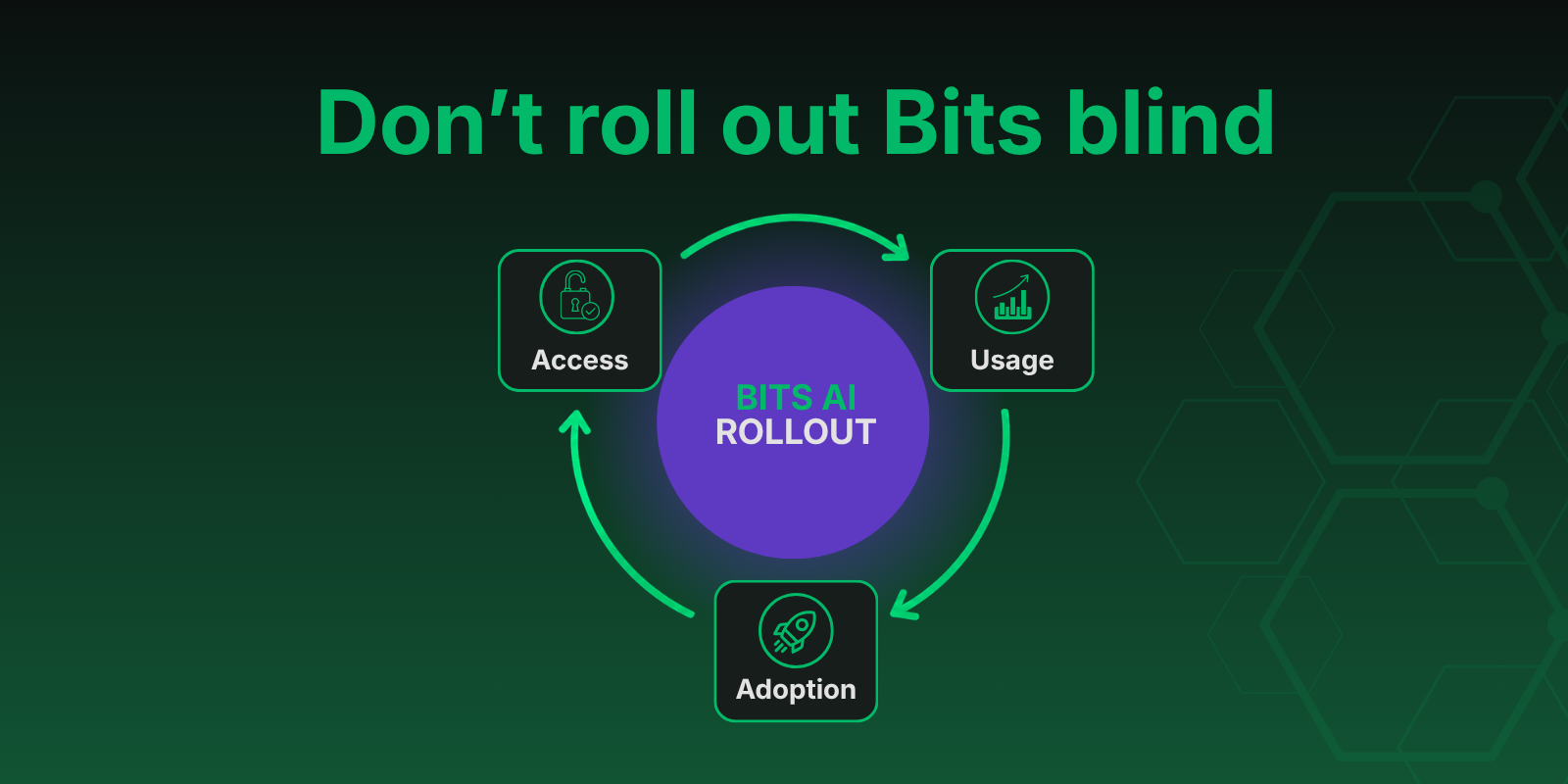
Yesterday at DASH, Datadog moved Bits onto the new AI Credits model, and the math changed dramatically.
Under the old pricing, a Bits SRE investigation cost $25 at the committed rate, based on $500 per 20 investigations, or $36 on demand. Under AI Credits, Datadog’s own telemetry across all accounts shows an average of 6.5 credits per investigation. At the committed rate of $500 for 500 credits, that puts the average investigation at about $6.50 per run.
That is a 74–82% cut depending on how you were buying before. That’s not just a discount; it’s a signal. Datadog wants agentic operations to be something every engineer reaches for, not something teams save for sev-1s.
And it’s not just Bits SRE. The same AI Credits model powers Bits Chat, Bits Security, and Bits Dev, which means your organization now has a single consumption pool feeding four different agents.
When a capability goes from rationed to routine, and from one front door to four, the question changes. It is no longer, “Can we afford to use it?” It is, “Are we using it well, and can we see who’s using it?”
Teams that have been through this curve before know how it ends. Log ingestion. Synthetics. Custom metrics. Every one of them started cheap and accessible. Every one of them punished organizations that skipped governance.
The answer is governance, not hesitation. Get the access model and the visibility right up front, and the new pricing is pure upside.
Start with access: Datadog’s default roles need a closer look
The natural place to start is access, and this is where Datadog’s default roles deserve scrutiny.
The stock Standard role is much closer to Admin than it is to Read Only. That’s fine when you’re handing out trust, but it is overly permissive for anything with a meter on it.
Datadog enables all AI Credits products by default for the Standard role. So if you’ve done nothing, most of your org can already spend from the credit pool.
In our engagements, we replace the three stock roles with a tiered framework purpose-built for cost-sensitive capabilities. With the Bits agent family now sharing a credit pool, we have added a new piece to it.
The tiered base roles
Read Only
Full visibility, zero write access, and zero cost exposure.
This is the right default for most of the org.
Limited Standard
Can create dashboards, monitors, and similar resources. Very low risk of incurring cost, but enough capability for day-to-day platform work.
This is where most builders should live.
SRE
Effectively Standard-level access plus additional controls, for the operators who need real reach into the platform.
Admin
Full administrative access, granted sparingly.
Very sparingly.
Use additive roles for Bits Access
Base tiers handle the broad strokes. Additive roles handle the exceptions.
Datadog allows multiple role assignments where assigned permissions win, so an additive role grants a specific capability without promoting someone’s entire access level.
Our framework includes additive roles for User Management and Cost Management. As of this week, it also includes Bits Access. The Bits Access role is the cleanest example of why additive beats monolithic.
A Read Only user granted Bits Access can run Bits agents and draw from the shared credit pool while remaining unable to edit any other resource in the account. You get adoption where you want it, scoped exactly as wide as you intend, with no collateral permissions dragged along for the ride.
For what it’s worth, granting Bits access to a Read Only user probably is not the right move. It is just a clean example of how additive roles work.
What IS a good idea though - giving Datadog users with Incident Management seats access to Bits.
Let’s be realistic here, a real live incident is exactly where you want Bits in the picture.
Watch the meter: AI Credits need cost visibility
Roles decide who can spend; cost monitoring tells you what is actually being spent before the invoice does.
One honest caveat up front: as of launch, there are no real-time estimated usage metrics for AI Credits that you can alert on directly.
That gap will probably close, but you should not wait for it.
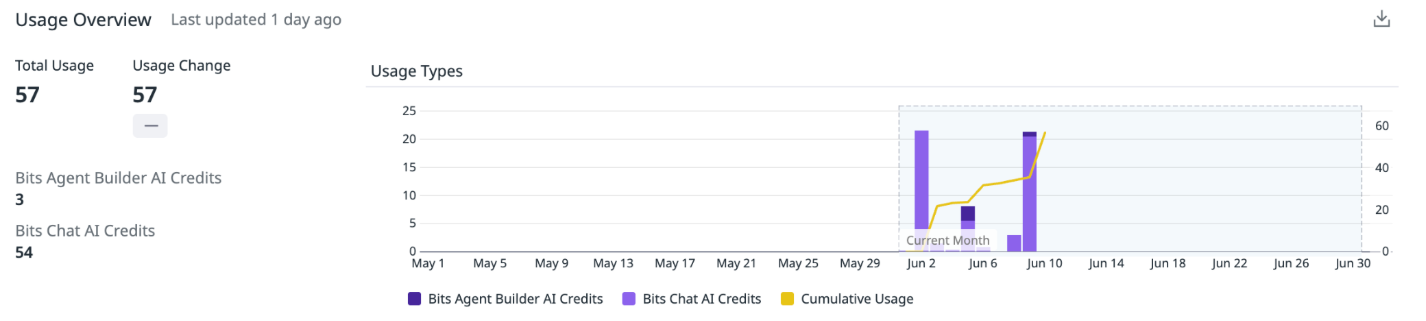
What you can do today is track AI Credit spend through your Plan & Usage page.
The data isn’t instant, but it is a world apart from the alternative, where the alternative is finding out about a runaway agent the same way teams find out about runaway log ingestion:
Thirty days late.
On an invoice.
With no way to claw it back.
Close the loop: measure adoption, not just spend
Here’s where the governance story pays off twice. Bits activity is visible directly in the agent console, broken down by individual user. So alongside the cost data, you can answer the questions leadership will actually ask:
Who is adopting these agents?
Which teams are getting value?
Is that new Bits Access role you granted last month being used, or sitting idle?
Paired with cost visibility, you get both halves of the picture. Cost monitoring catches out-of-bounds spend before the invoice arrives. The console shows whether the spend you did incur maps to real adoption. That is the difference between a cost center you tolerate and a capability you can defend in a budget review.
The point is not to slow Bits adoption down
The pricing change makes Bits agents accessible to everyone in your org. The framework above makes sure that access is deliberate: the right roles, granted additively; cost monitoring watching the meter; and per-user visibility closing the loop. None of it slows adoption down. It’s what lets you say yes to adoption with confidence.
If you want help mapping this framework onto your own Datadog account, that's exactly the kind of thing we do. Reach out.
FAQ: Datadog Bits AI, AI Credits & Governance
Last updated: 2026-06-10
What are Datadog AI Credits?
AI Credits are Datadog's usage model for AI-powered capabilities. Instead of paying for each Bits SRE investigation under the old model, teams now consume credits based on agent usage.
The important part is not just the pricing change. It is the operational change. Once multiple Bits agents draw from the same credit pool, access and visibility matter a lot more.
Which Datadog Bits products use AI Credits?
The AI Credits model applies across the Bits agent family, including Bits SRE, Bits Chat, Bits Security, and Bits Dev.
That means teams should think about Bits access as a shared consumption model, not a one-off permission for a single feature.
Should every Datadog user get Bits access?
No. Bits should be easy to adopt, but access should still be intentional.
The better model is role-based access with additive permissions, so teams can grant Bits usage without broadly expanding platform permissions. That gives teams room to adopt Bits without handing out more Datadog access than they actually need.
Why use additive roles for Bits Access?
Additive roles let teams grant a specific capability without promoting a user into a broader access tier.
For Bits, that matters because agent access now has a cost dimension. A user may need permission to run Bits agents without also needing the ability to edit dashboards, monitors, integrations, or other Datadog resources. Additive roles keep that separation clean.
Who should get Bits access first?
The most obvious starting point is users with Incident Management seats, SREs, on-call engineers, platform owners, and teams responsible for production operations.
If a team is expected to investigate incidents, troubleshoot production issues, or reduce mean time to resolution, Bits should be part of the workflow.
How should teams monitor AI Credit usage?
Start with the Plan & Usage page to track AI Credit spend. Then pair that with per-user Bits activity in the agent console.
Spend tells you what is being consumed. Adoption data tells you whether that consumption is producing value. You need both.