

With all of the impressively powerful features of Datadog that are currently available, there are a few that fly under the radar. Let’s be honest, a survey-type form in Datadog is not nearly as impressive as seeing an application trace that travels from a frontend’s “Submit” button through many systems or LLM evaluations.
Datadog Forms is much, much more however. If you’re familiar with Google Forms or another similar tool, you wouldn’t be wrong to think that it’s basically the same thing.
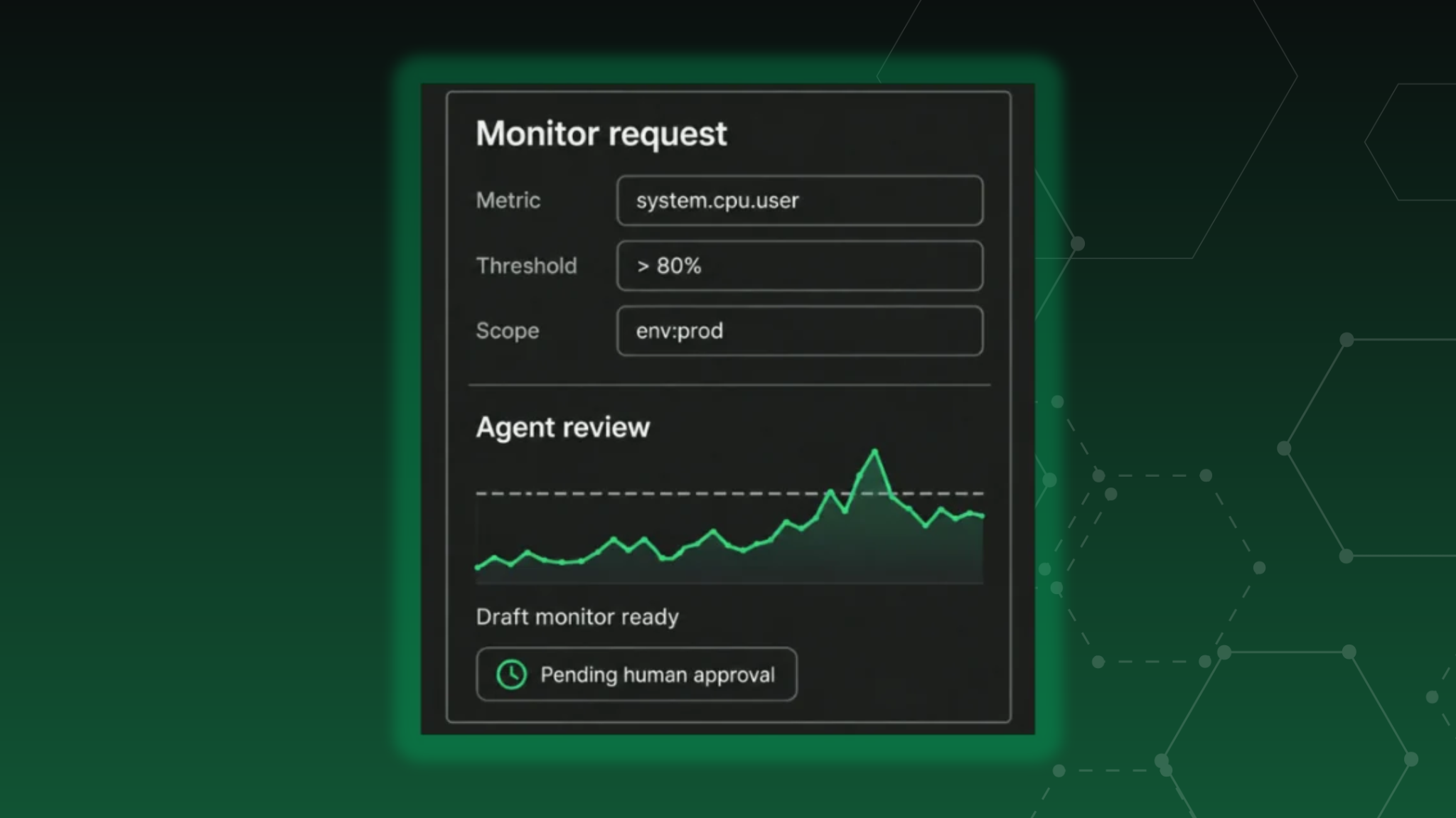
In this walkthrough, we’ll use Datadog Forms to collect a monitor request, have an agent review the proposed configuration against actual metric data, and route a draft monitor for human approval before publishing.

Forms Get Interesting When You Add Workflows
If you were to come at Forms with just this perspective, I think you’d be doing yourself and the tool a disservice. Instead, let’s take a look at some of the available starter blueprints to get some ideas for the capabilities. The first few examples in the blueprint list are basically what we just showed here - literal surveys. But a little bit further down the list we can see…

Now we’ve got something - that purple symbol means a workflow is attached to that form. That’s where the power of Forms is going to come from; a form submission can trigger a workflow where the submitted data is used to then do…well, basically whatever you want!
The “whatever you want” statement comes from the fact that workflows can use the entire Action Catalog, which as of the time of writing this contains over 2,800 actions ranging from interacting with cloud services, working with Datadog itself, private actions like creating Kubernetes resources, or even running commands through the Datadog Agent’s built in shell. Now we’re talking.
The Problem: Monitor Reviews Became a Bottleneck
Time for us to get practical here and talk about a real use case.
We had a customer that based on past experience wanted really tight controls on who could create monitors, in an attempt to have a review process that would catch monitors that weren’t tuned properly or brought in bad habits from old platforms during their migration. This resulted in a small handful of people that had to field every request for a monitor, which put a ton of work on just a few people. Due to the amount of time that would need to be spent on evaluating each and every request, unfortunately it fell back to just creating the monitors as defined in the request; the customer wound up back in the same situation they were trying to avoid.
Building the Monitor Request Form
This is a perfect scenario for Forms and Workflows.


Let Agent Builder Review the Request
The form itself more or less imitates a lot of what the monitor creation page does (not all options are present here, for the sake of a demo). A user inputs the basic parameters, and when this is submitted, it triggers a workflow. The workflow itself is where things get more interesting.

What the Agent Checks
As you can see - the form immediately submits the form data to an Agent Builder agent, whose prompt instructs it to do the following (this is just a summary; the actual prompt is much longer):
Resolve the metric; ensure it exists and the provided tags are reporting.
If a metric description was given, search for the best match
Check the evaluation settings provided against the metric type
Review the last 30 days of data, as well as the last 7 at a higher resolution
Judge appropriateness
Build the monitor
Why the Output Schema Matters
The Agent Builder agent then uses the MCP server to perform all of these operations. While the prompt and agent itself are important, one of the most important parts for a process like this that is interacting with an agent is providing the output schema. An output schema is a structured output that an agent must emit, allowing the next steps in the workflow to be able to operate deterministically against the agents output. You definitely do not want to try parsing out backticks or JSON or “Here is your monitor, I made no mistakes as instructed” when you’re trying to run a process. We want to check known fields for content and booleans and such.

Nothing Goes Live Without Approval
After the agent has done its job, the workflow goes down two paths; either the submitter is notified that the proposed configuration was not appropriate and the monitor was not created, or, it creates the monitor as a draft and submits it to Slack for a review. If the reviewer approves it, it is published and the submitter is notified. If it is denied, the submitter is notified as well.
What Else Could You Enforce?
While the screenshots shown in this post are just an example of what can be done, in reality, much more can be done with this process. You can have the agent enforce specific settings or methodologies; imagine not allowing monitors that send to On-Call be created for dev environments, or having proper and consistent tagging on all monitors. You can add in additional steps to the workflow or other pathways for allowing review comments. You can deny the original request, but create a monitor that would be more appropriate and ask the submitter for approval before it goes to publishing review. Given that Workflows and Agents can access the entire Action Catalog, it turns out that the sky is the limit for what you can do with this type of automation.
Want to build something like this in your Datadog environment? We can help you put the right automation and guardrails in place. Talk to a NoBS Engineer →
